Clear-Com HelixNet HRM-4X remote intercom station
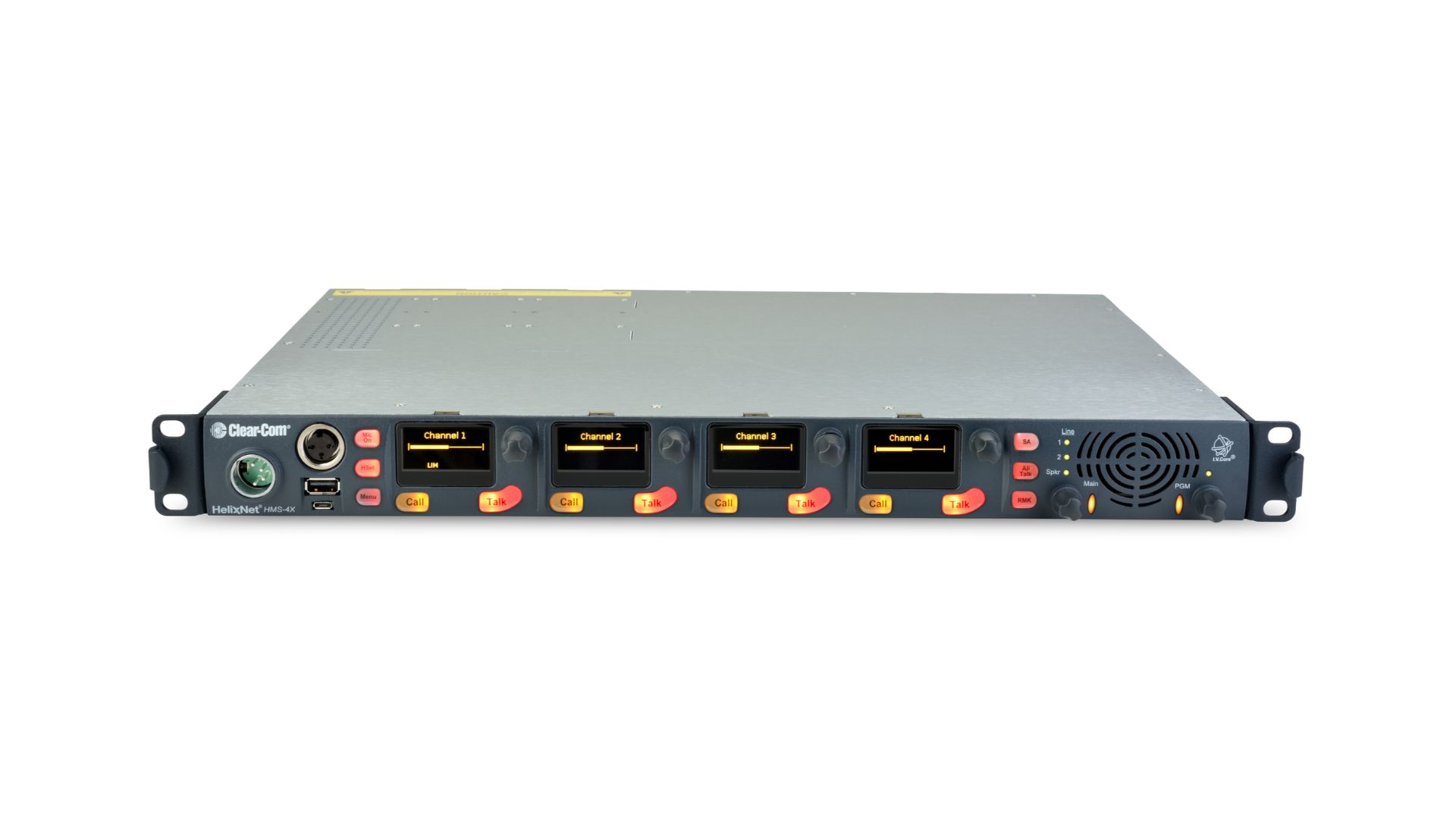
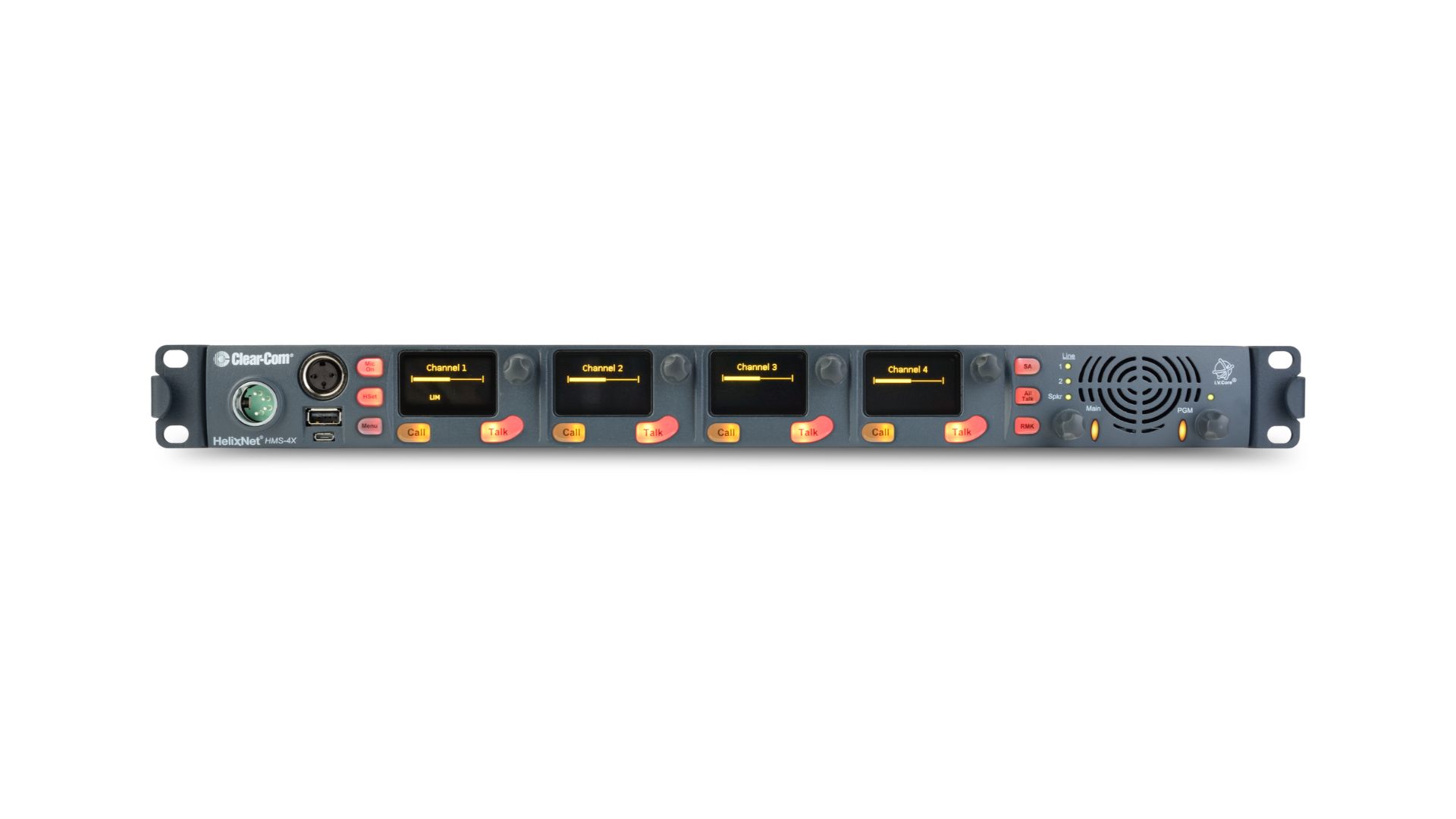
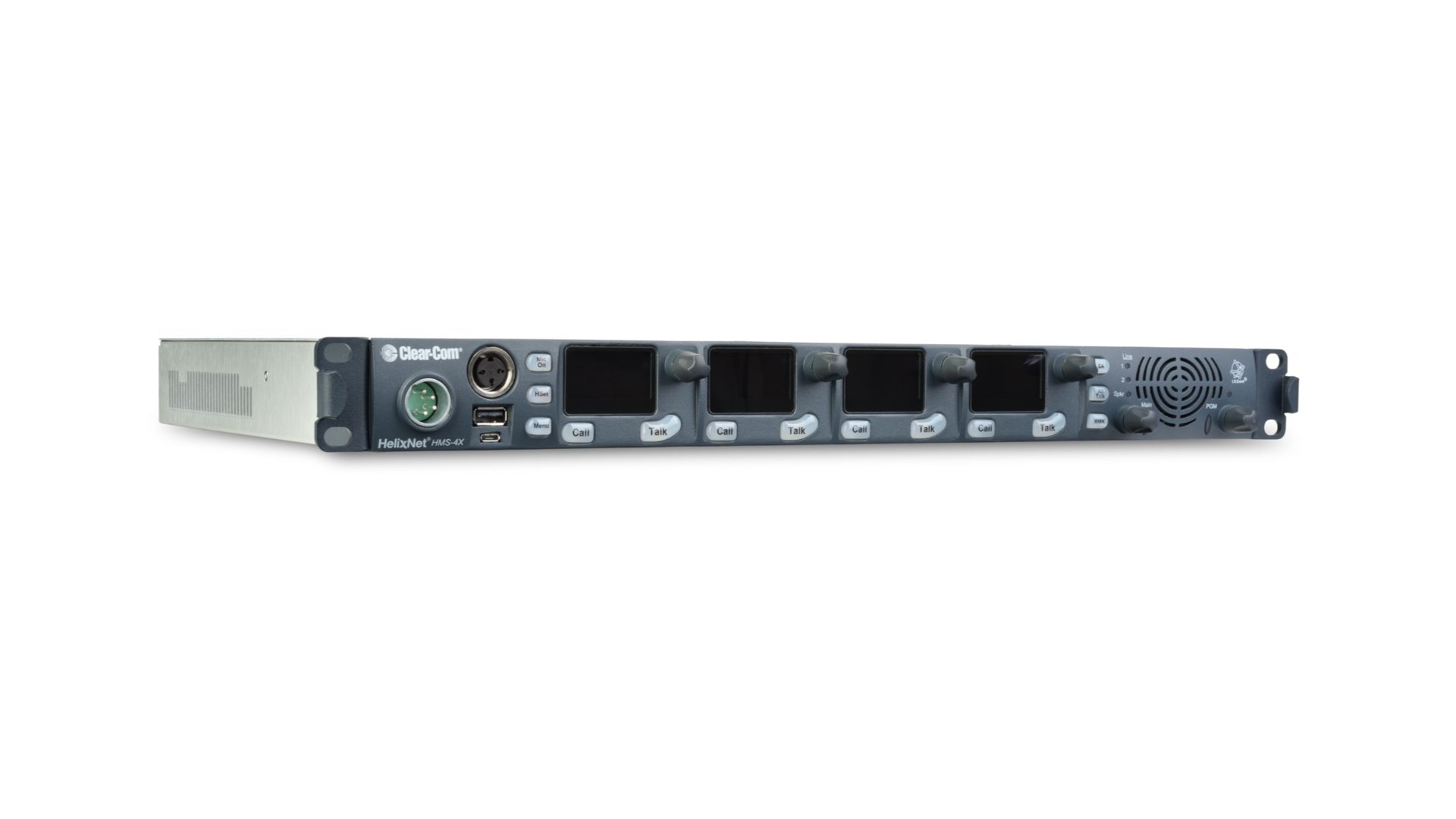
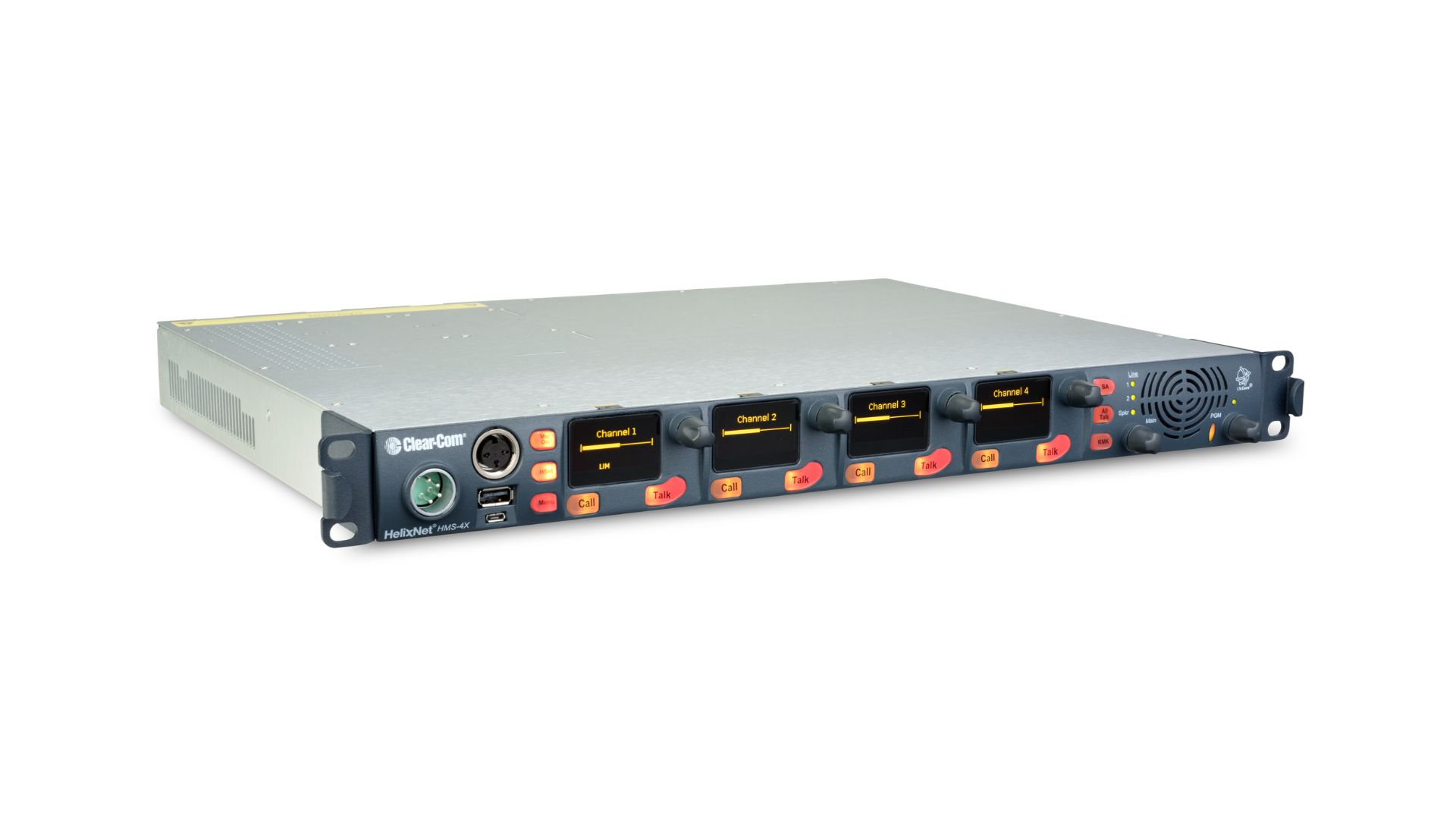
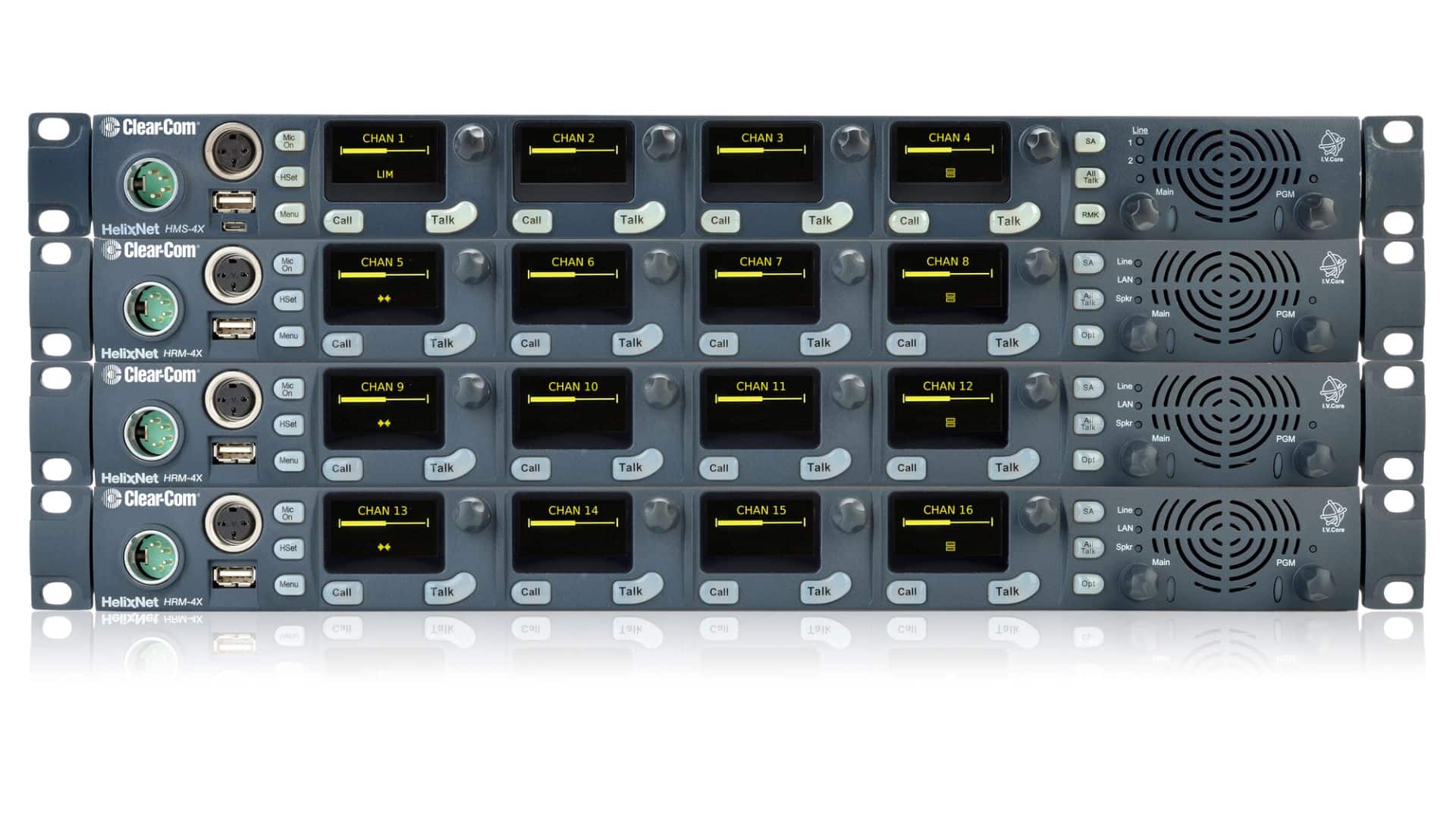
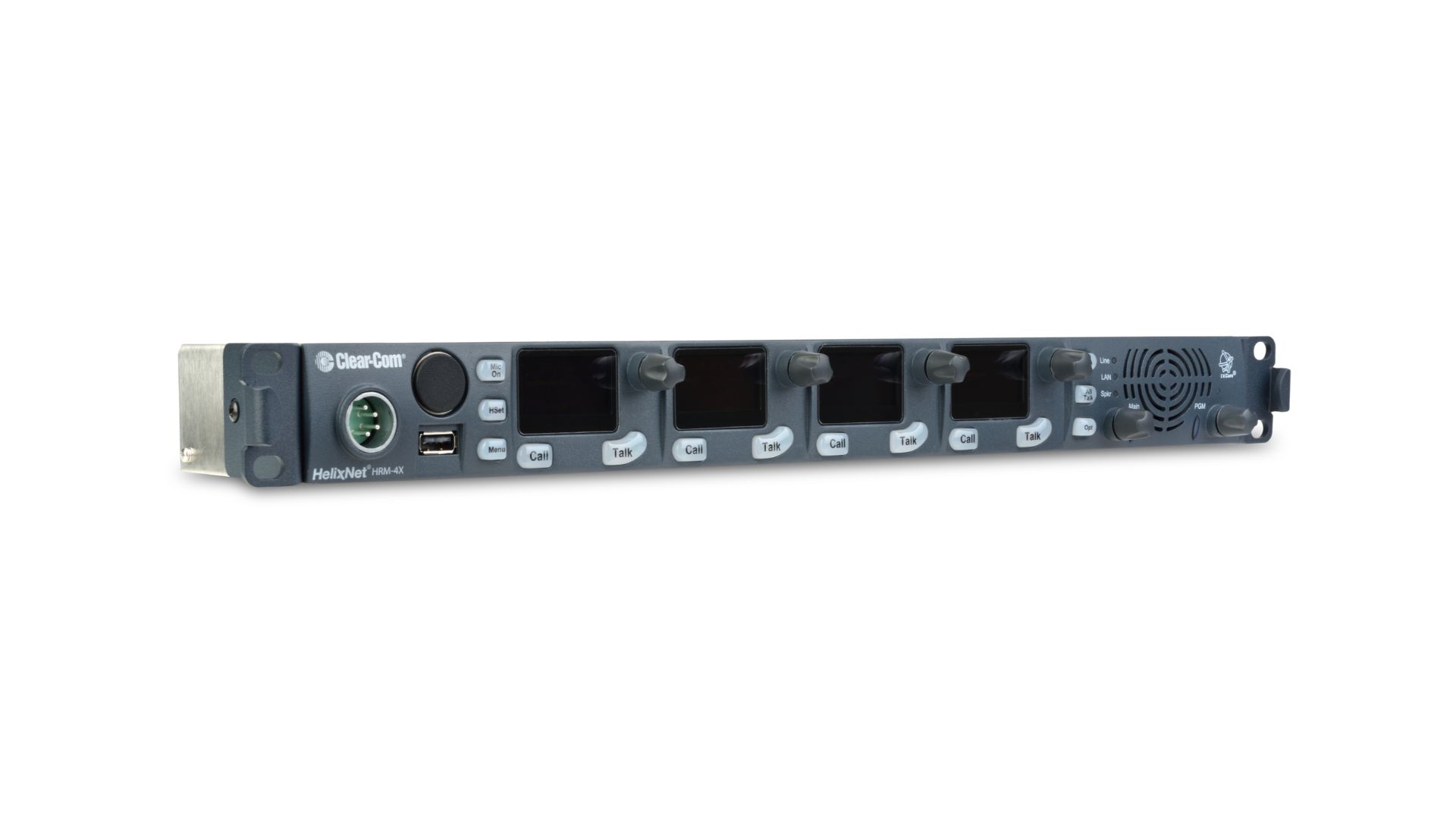

HelixNet® is a networked partyline intercom system with up to 24 channels and Program Audio input available via XLR, LAN or WAN.
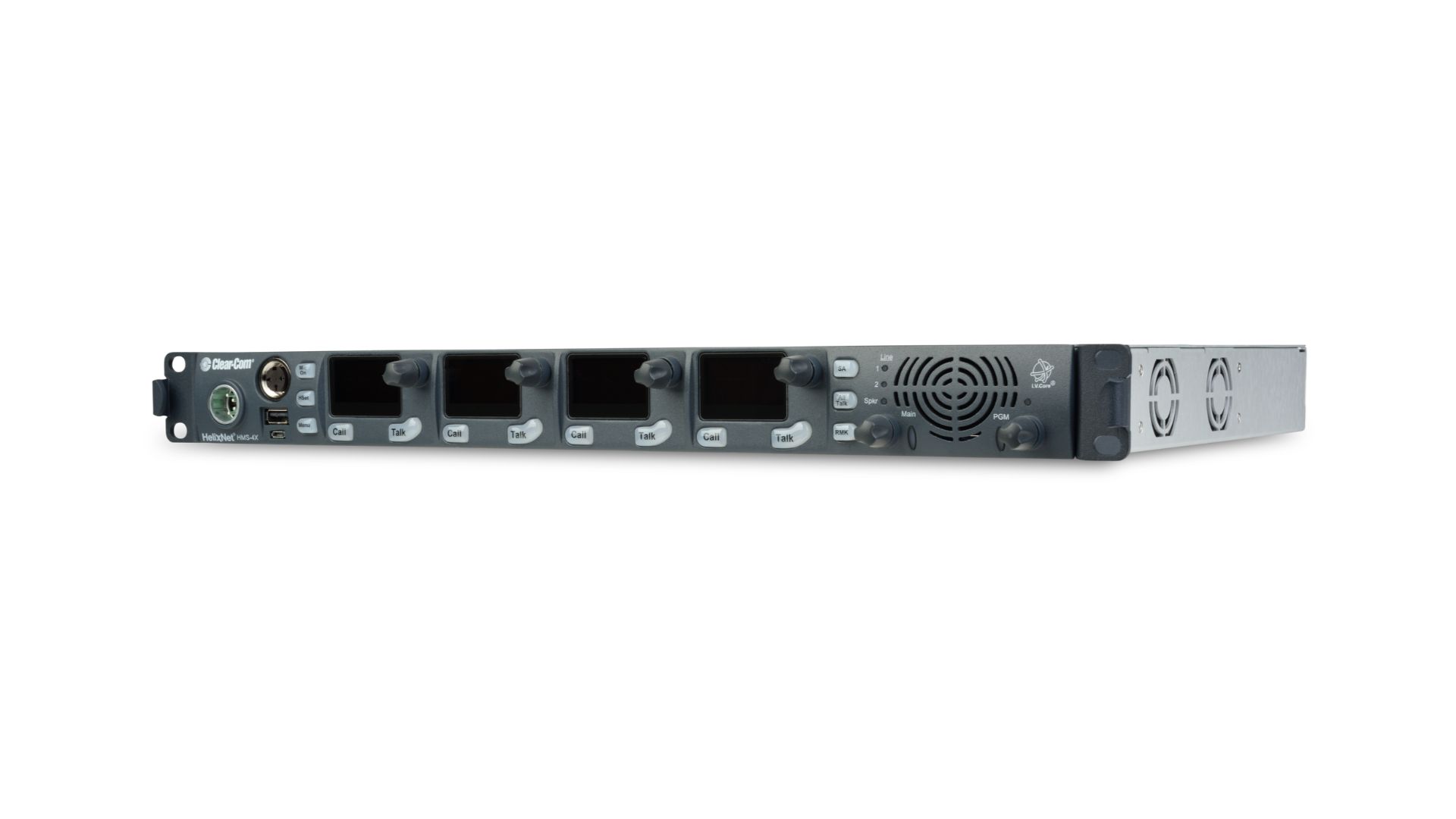
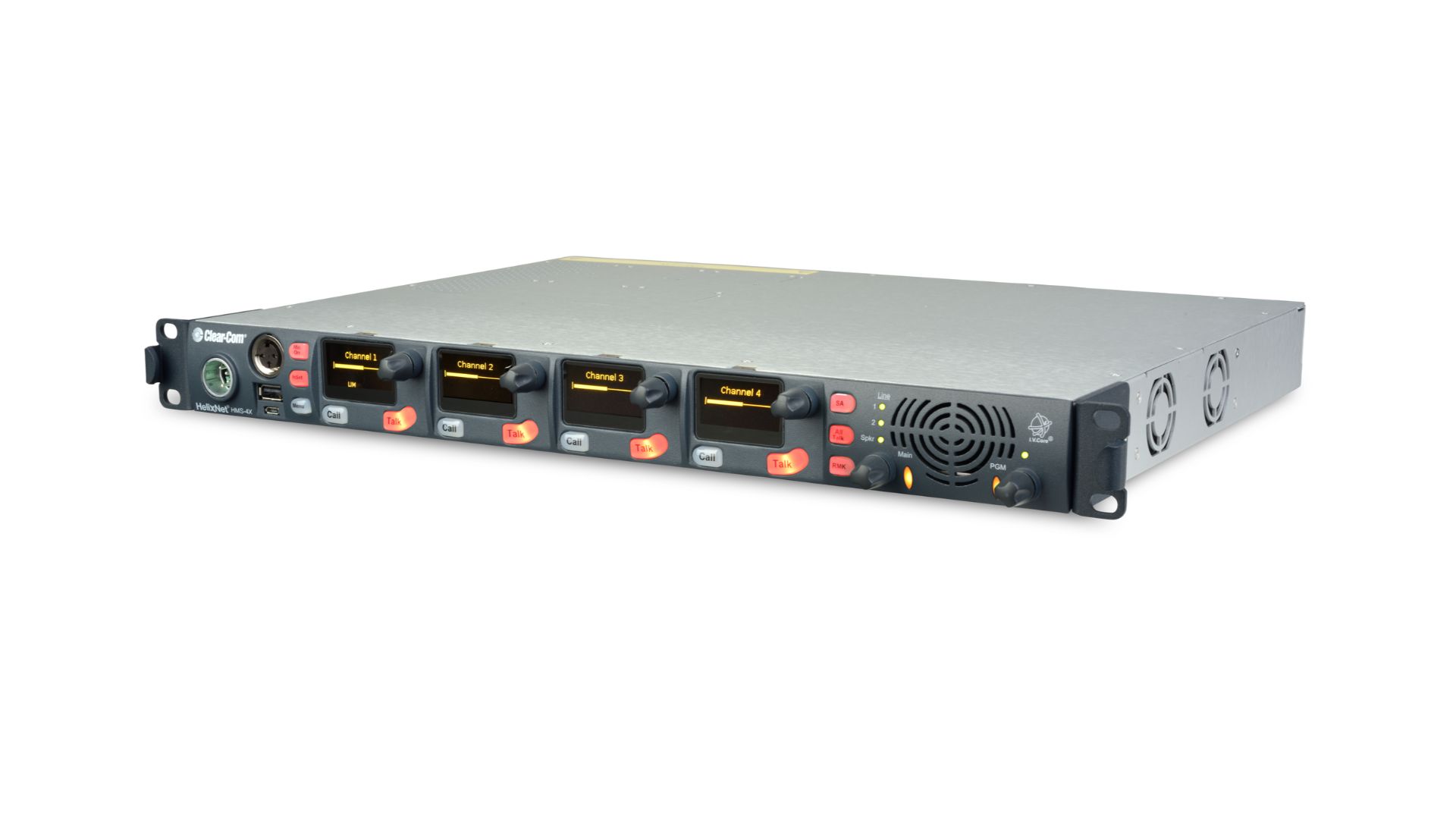
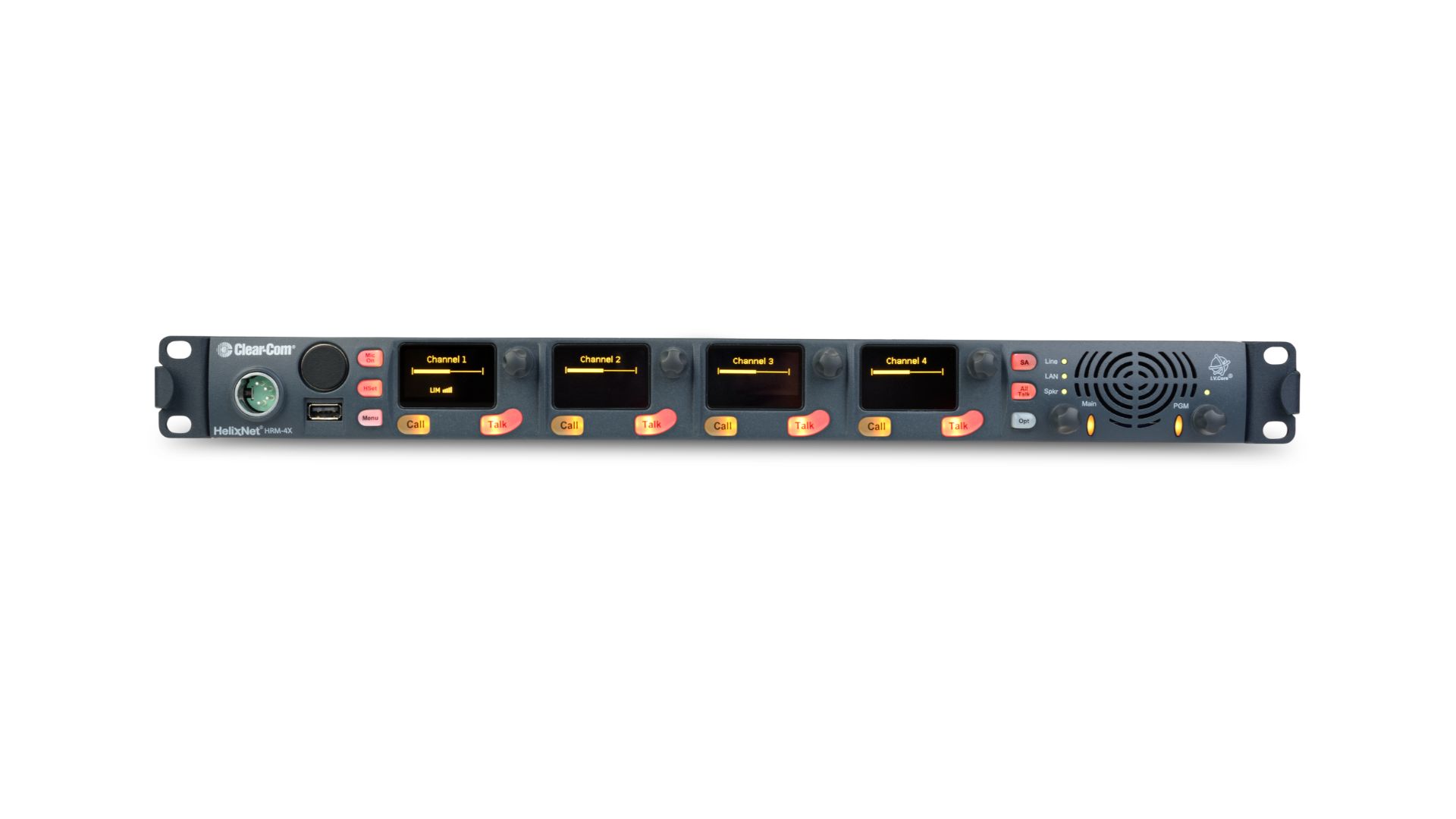
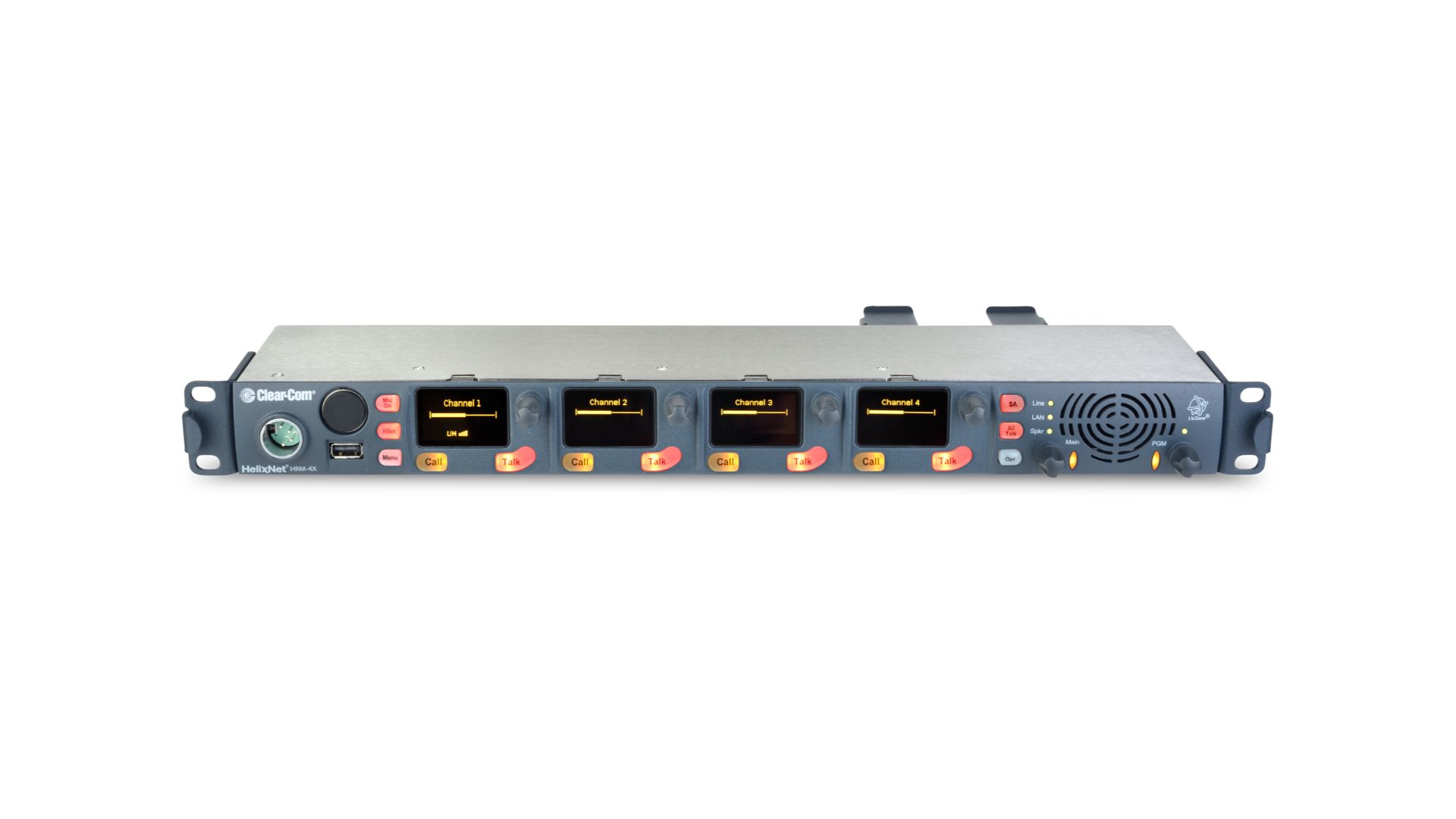
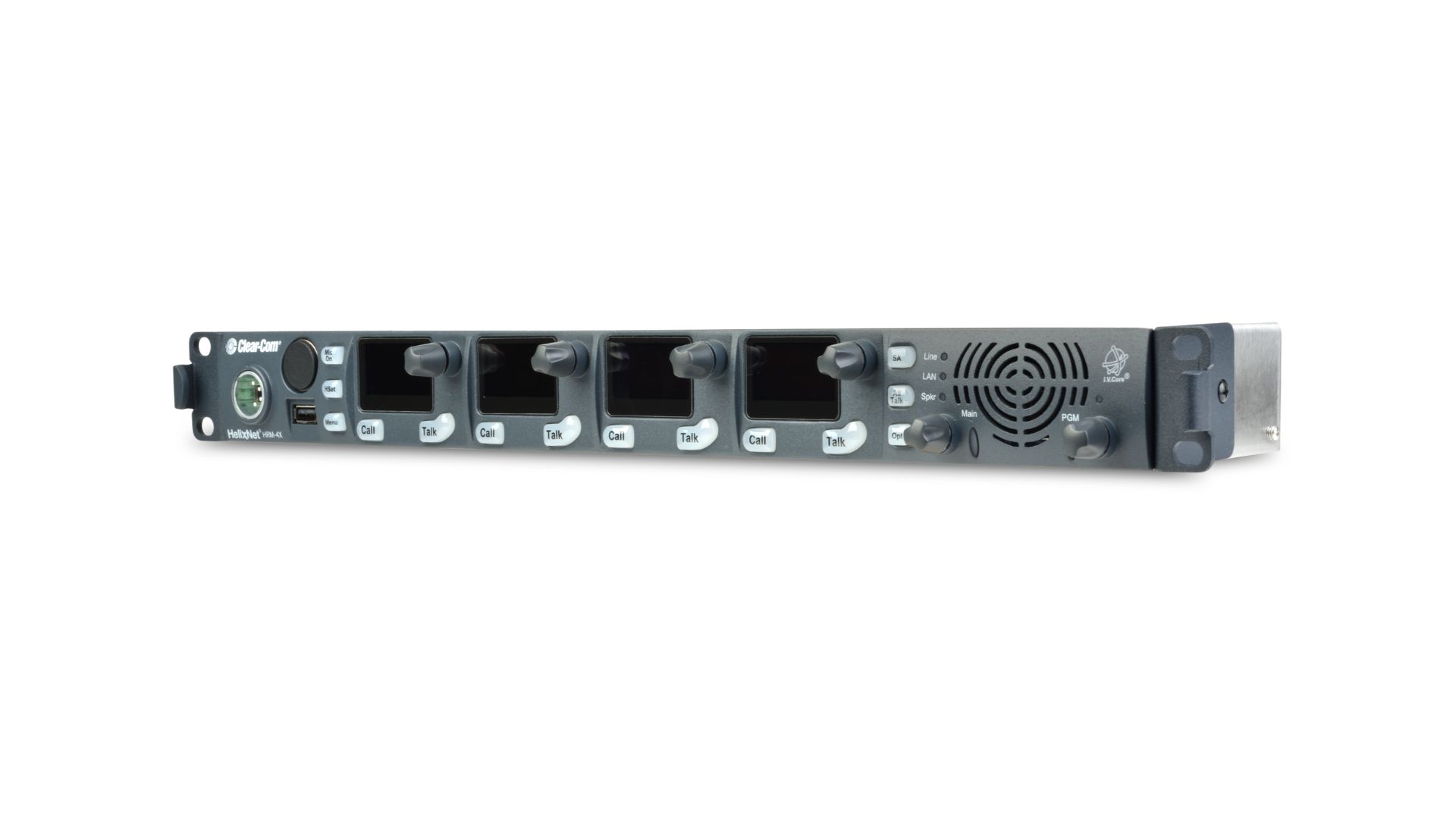
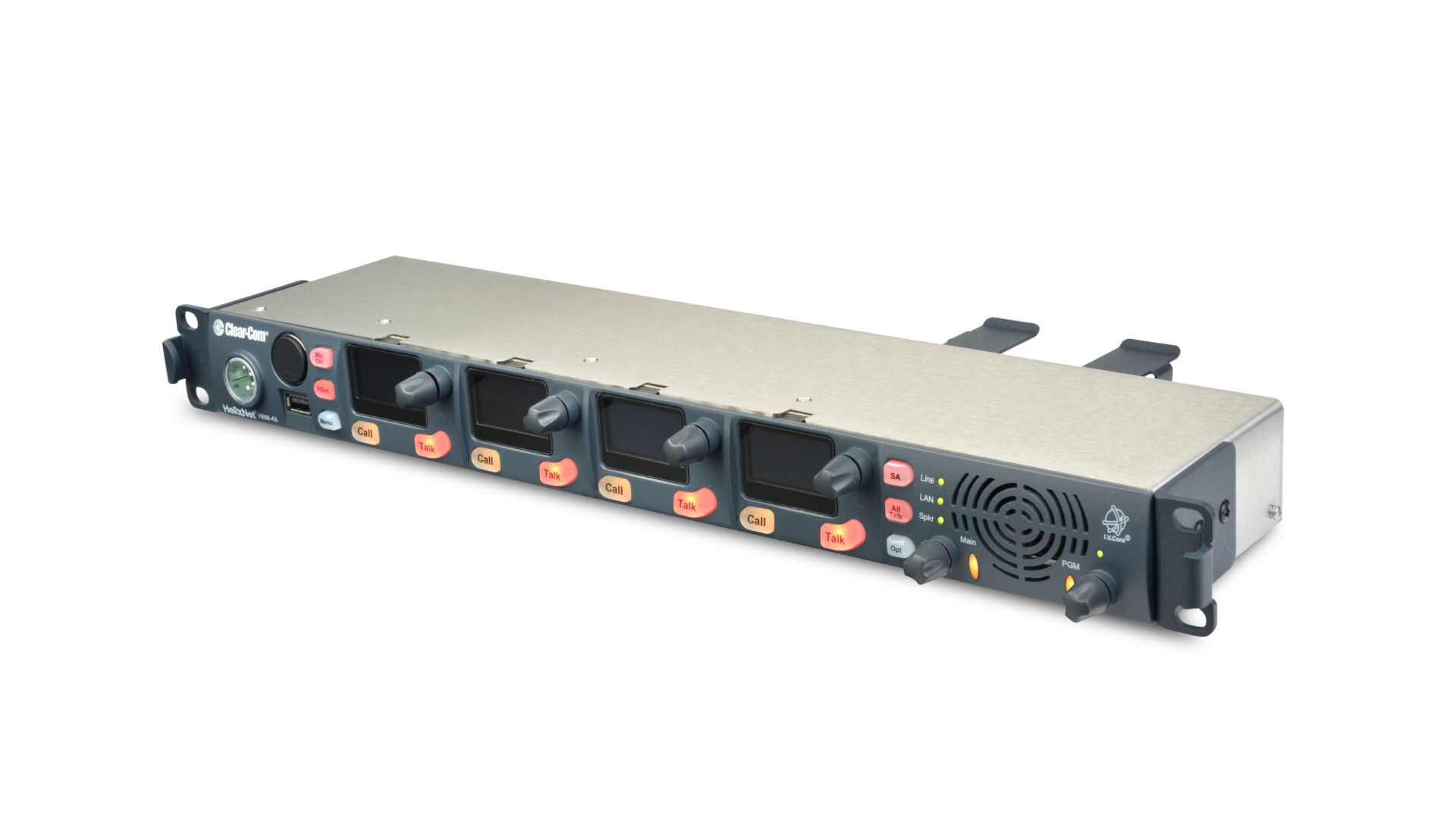
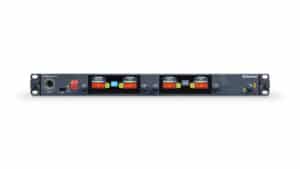
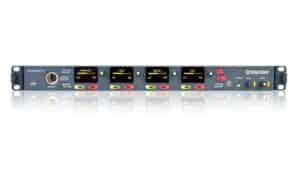
The HelixNet HRM-4X remote intercom station is a 1RU high 4-channel panel equipped with Program Audio input and Stage Announce output, managed by an Arcadia® central station.
User interface
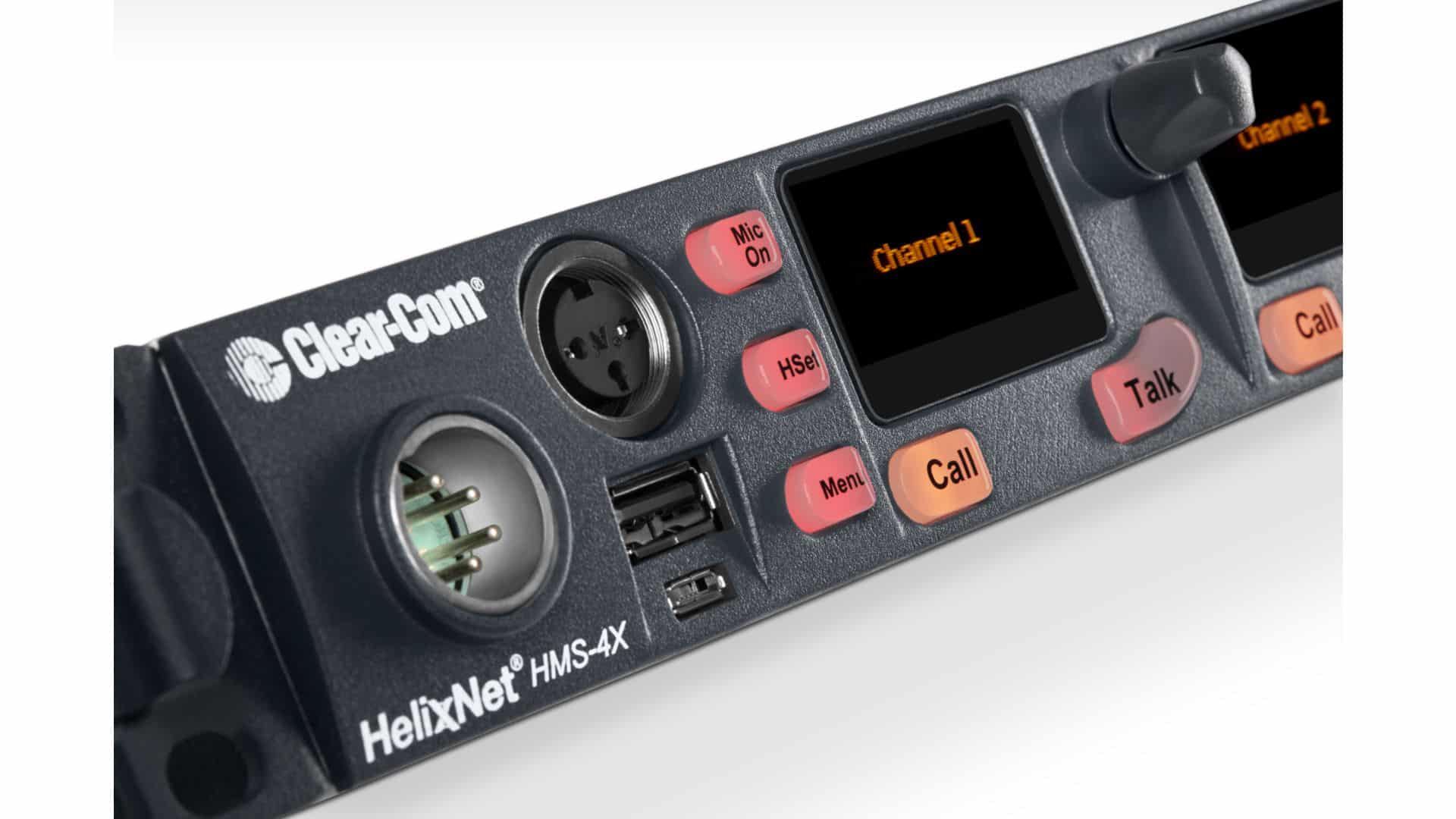
The innovative front-panel user interface includes four sets of keys that can be assigned to each intercom channel. It also includes a headset connector, gooseneck microphone connector and speaker, as well as buttons for All Call, Stage Announce, Remote Mic Kill and Program Audio level control. The HRM-4X offers options to expand the panel's capabilities by combining up to six devices into one 24-channel intercom station.
Local and central management
The HRM-4X can be added to an Arcadia or HelixNet system without reconfiguration or interruption of service. Front-panel keys create a unique waterfall menu that allows touch-based device configuration and channel assignment. Roles can be created and applied to one or more HRM-4X remotely or locally. Roles can be edited locally or managed centrally from Core Configuration Manager (CCM*).
Connectivity and power options
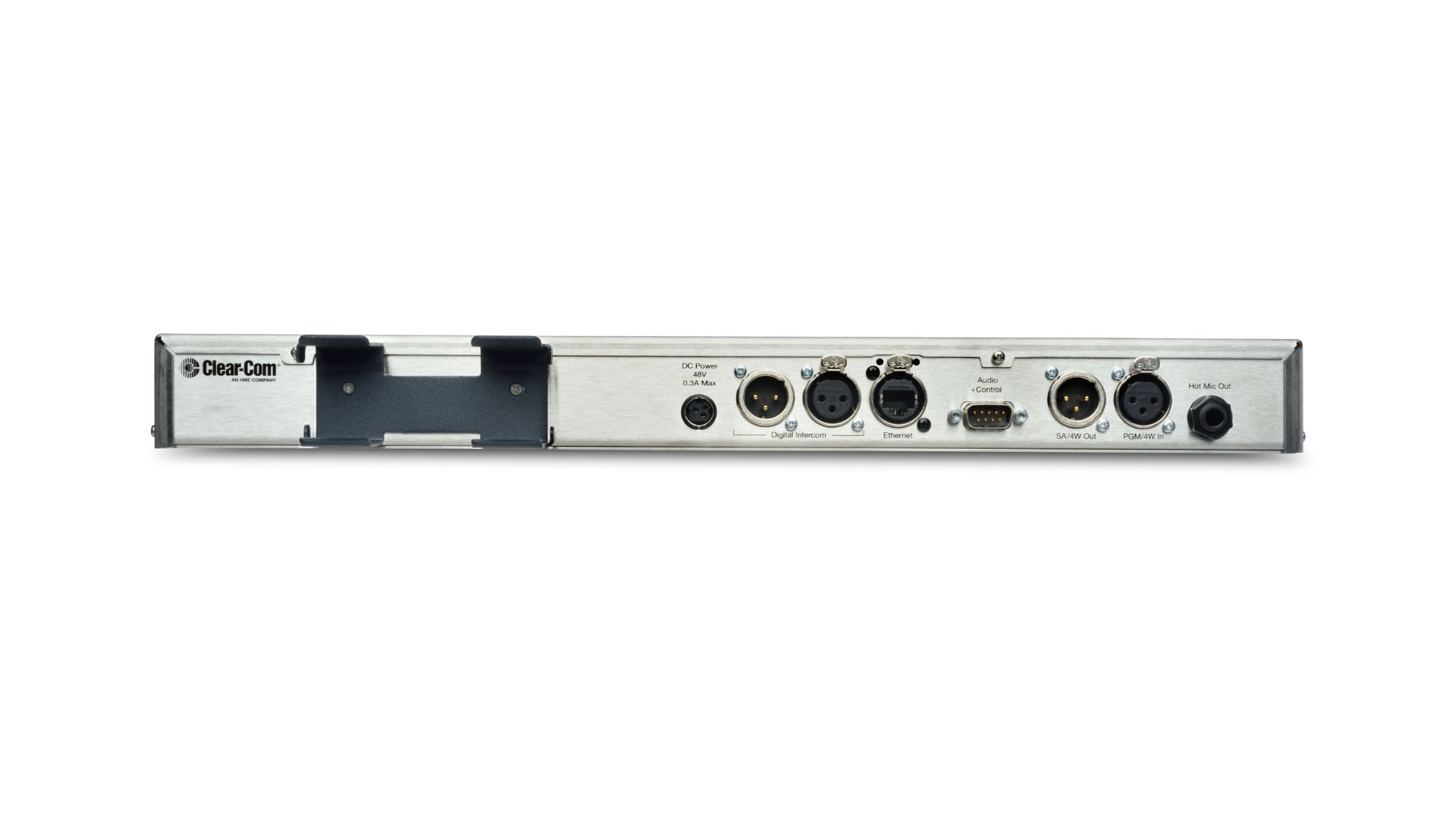
The HRM-4X connects via a network to an Arcadia central station. Power can be supplied to the HRM-4X locally using the supplied power supply or Power over Ethernet (PoE) from third-party devices.
Key features
Remote station
- Easy-to-use front panel with OLED displays and backlit keys
- Ability to work with headset or microphone and built-in speaker
- 4 sets of keys assigned to channels
- Level adjustment of All Talk, Stage Announce, RMK and Program Audio functions
- Expandable to 24 channels
- Ethernet network port with PoE (HLI-ET2 card required)
- Program Audio input
- Stage Announce output
- Contact input and output
HelixNet System
- Wired partyline - networked
- Managed by Arcadie
- Up to 24 channels - licensed
- Up to 64 HelixNet endpoints
- Audio Program Level Control
Seamless management
- Simple configuration using CCM software available in a browser
- Quick access to management and configuration menus through the front panel
- Central management and pairing with Arcadia
- Central firmware update from within Arcadia
 Polski
  English
  Slovenčina
  Čeština