
HARRISON AUDIO MIXBUS

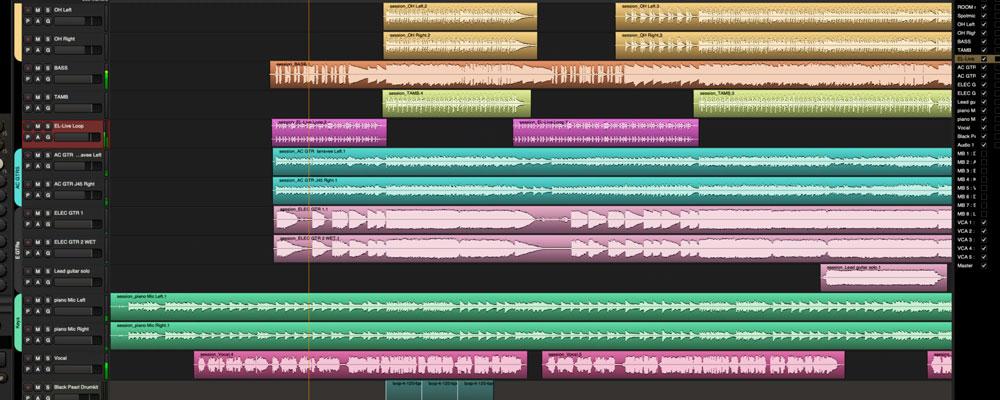
Harrison Audio Mixbus
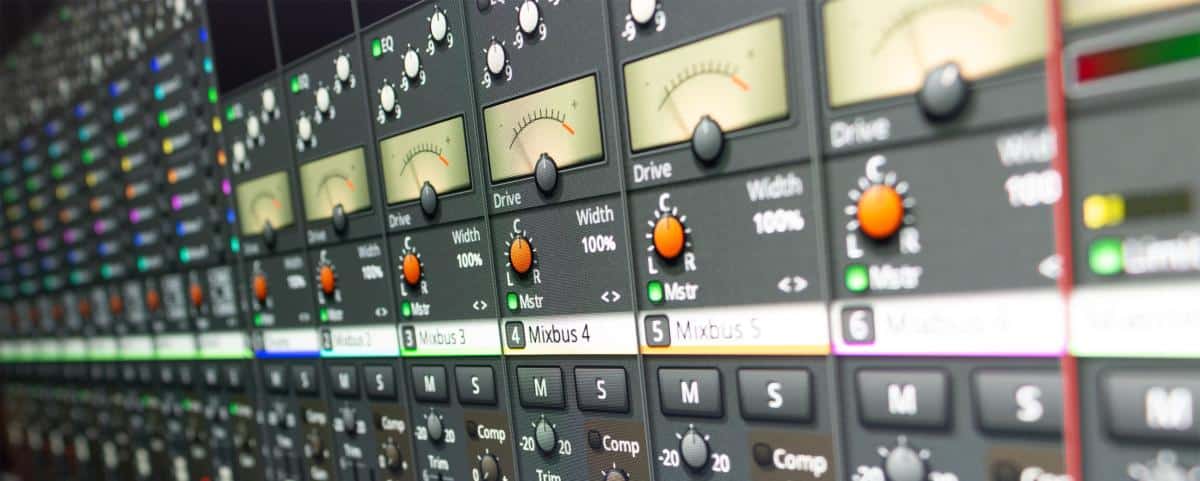
Mixbus is a unique digital audio workstation (DAW), distinctive in sound and design, emulating the work of a Harrison console. It is based on the analog paradigm, seamlessly integrating form, function and sound. Unlike other DAW programs that rely on a computer-based mindset, Mixbus builds on Harrison's 48-year heritage, which has resulted in numerous platinum albums and soundtracks for blockbuster movies. It is the first DAW to feature Harrison's „True Analog Mixing Engine,” which sets it apart from the competition. With its unique pedigree and innovative features, Mixbus is the ideal choice for those looking for DAW software that combines the warmth and depth of analog sound with the way a legendary console works, all coupled with the convenience and flexibility that modern digital technology provides.
Precision analog algorithms
The Harrison Mixbus features precise algorithms for equalization, filtering, compression, tape saturation, summing and 8 stereo mix buses, all highly optimized for use in a DAW environment. These algorithms allow you to shape your sound, enriching it with warmth, depth and an elusive analog atmosphere that ordinary DAW programs simply can't produce.
Analog console layout - „a knob for each function”.
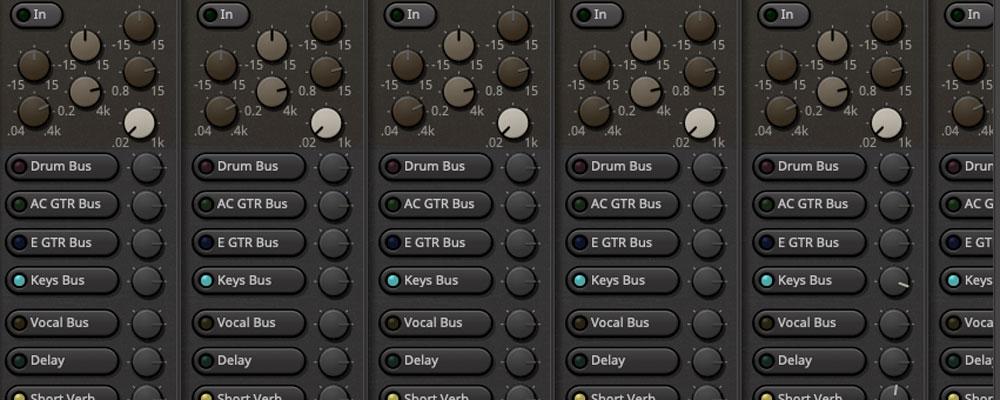
What really unleashes our creativity is a well-thought-out working system. Mixbus features a mixer with a layout based on Harrison's legendary recording consoles, which have been used by countless artists and producers. Each function has its own dedicated controller, giving you instant control over a given parameter. With an optimized workflow, you can spend more time getting creative with different settings and effects without losing focus and dynamics. You can create your mix with ease, avoiding wasting time on unnecessary steps or wading through complicated menus. If you want to know the secret of legendary producers and mix engineers, you'll find it right here! The way this console works allows you to achieve your sound goals faster and more efficiently, and produce a high-quality mix that will meet and even exceed your expectations.
Internal processing and gain grading
MixBus software's internal processes and gain grading ensure that Mixbus makes full use of its DSP. This helps produce the magic that sets Mixbus apart from other DAW software. With Mixbus, you can enjoy the warmth, depth and richness of analog sound without compromising the flexibility and convenience that the digital domain provides.
4 panels to streamline your workflow
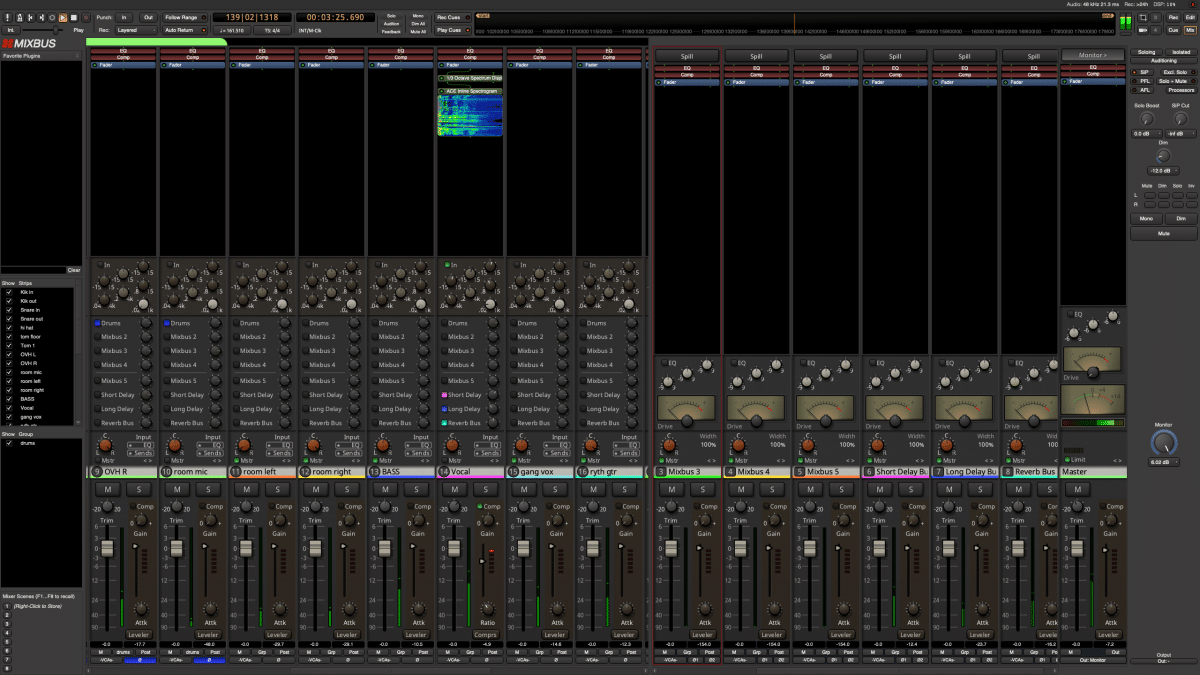
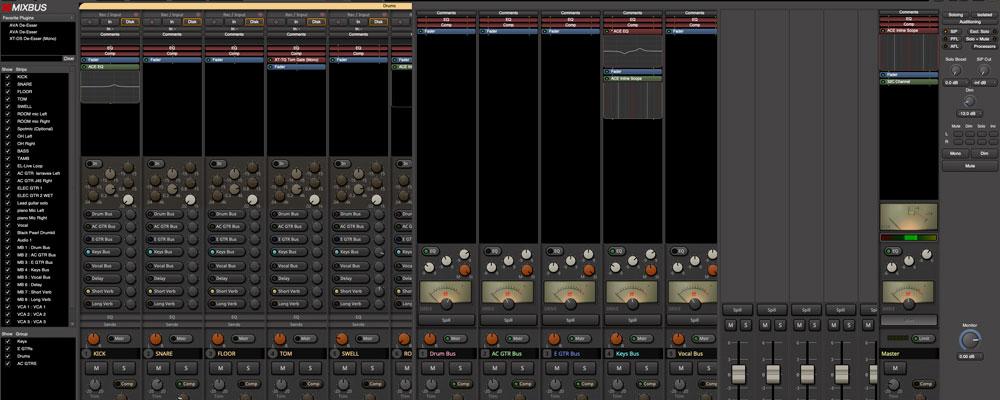
Discover the versatility of Mixbus. Mixbus will streamline your workflow by providing four working panels: Cue, Rec, Edit and Mix. With the Cue panel, you can unleash your creativity and run individual clips. The Rec panel lets you conveniently record audio on multiple tracks simultaneously. On the Edit panel, on the other hand, you'll edit your recorded material with a full-featured DAW-style interface. You will, on the other hand, mix the recorded and processed audio on the Mix tab, using the True Analog Mixing Engine. Mixbus provides everything you need to produce high-quality mixes, from import to export!
Unlimited number of channels, plug-ins, sends and inserts
Mixbus allows you to use an unlimited number of tracks, plug-ins, sends and inserts in a single session, which means you can introduce as many elements into your mix as you need or want. You can experiment with different effects, processors and routing options to find the combination that works best for your mix. Mixbus is the ultimate mixer for professional sound engineers who want full control over their sound and the freedom to shape it.
Additional features
- Unlimited number of MIDI tracks, each with support for virtual instruments, unlimited plug-ins, sends and inserts
- Polarity switch, input trimmer, high-pass filter, 3-band EQ with frequency sweep, compressor and 8 Mix Bus sends on each track
- Stereo Master Bus with tonal control, analog tape saturation emulation, K-type and stereo correlation level meters, and limiter
- Automatic plug-in delay compensation, allowing effects such as parallel compression to work without time shifts
- Comprehensive „at a glance” measurement of peak values with indication freezing, as well as gain reduction in the compressor on each track and bus
- Extensive DAW editing features, including „Smart Tool” and Ripple Edit, with the ability to configure a keyboard shortcut for almost any operation
- Support for industry-standard plug-ins: Mixbus works with AudioUnit (AU) plug-ins on OSX; and VST3, VST and LV2 on all platforms.
- Mixbus is equipped with professional features such as Loudness Analysis (dBTP+LUFS+LU), LTC code generation and synchronization (SMPTE); expand/collapse video tracks
- Undo permanent undo function (undoing operations is also possible after closing and reopening a session)
- Harrison's latest generation „True Analog Mixing™” processing engine with improved compressor/limiter algorithms, built-in sidechain bus, and increased flexibility for plug-in support
- Support for video timeline, video window and audio+video export
- The recording function works like a tape recorder: record sub-tracks with simultaneous listening to individual tracks, just like in a real multitrack tape recorder
- Extensive export features, including multi-track export, simultaneous export in multiple formats, multi-region export, CD track markers, silence snippet trimming, normalization, and running external codecs and scripts to manage files from the command line
- The audio regions are stacked on „layers,” and the volume/decay of each region creates an interpenetration with the region(s) below it
- The „pin connection management” plugin provides rich control over the signal flow in each channel, including full support for dual mono, mono-to-stereo, sidechaining and other advanced modes
- The user interface can be scaled to fit the size of the monitor - on large screens the dials will be larger and the text sharper
- Improved workflow and graphics, including scaling and support for HiDPI (Retina) displays.
- Standard MIDI devices can use the „MIDI Learn” function to assign MIDI controls directly to on-screen knobs, and MIDI profiles to select initial device configurations from a drop-down menu
- Mackie control protocol to support controllers with motorized attenuators; Mackie protocols have been extended to ergonomically control EQ, compressor and 8 Mixbus sends in Mixbus channel tracks. Dedicated functions have also been implemented to support popular devices such as Presonus Faderport, Mackie MCU and Behringer X-Touch controllers
- The OSC (Open Sound Control) protocol enables wireless control of Mixbus operation using tablet-based controllers running over Ethernet, such as TouchOSC and Lemur for iOS and Android
- Lua scripts: using the Lua scripting language, you can automate tasks such as creating paths, renaming them, adding plug-ins or creating „macro” operations”
- VCA attenuators: with VCA attenuators, multiple channel attenuators can be controlled simultaneously - each attenuator can be assigned to multiple remote VCA attenuators, bringing the range of control and organization of mixes to a whole new dimension
- Tempo Ramp and Tempo Map functions: using these advanced features, you'll be able to map the tempo and structure of a live recording (no need to record with a click!)-or import tempo maps from MIDI files
 Polski
  English
  Slovenčina
  Čeština