DAW controller for plug-in SSL - UC1
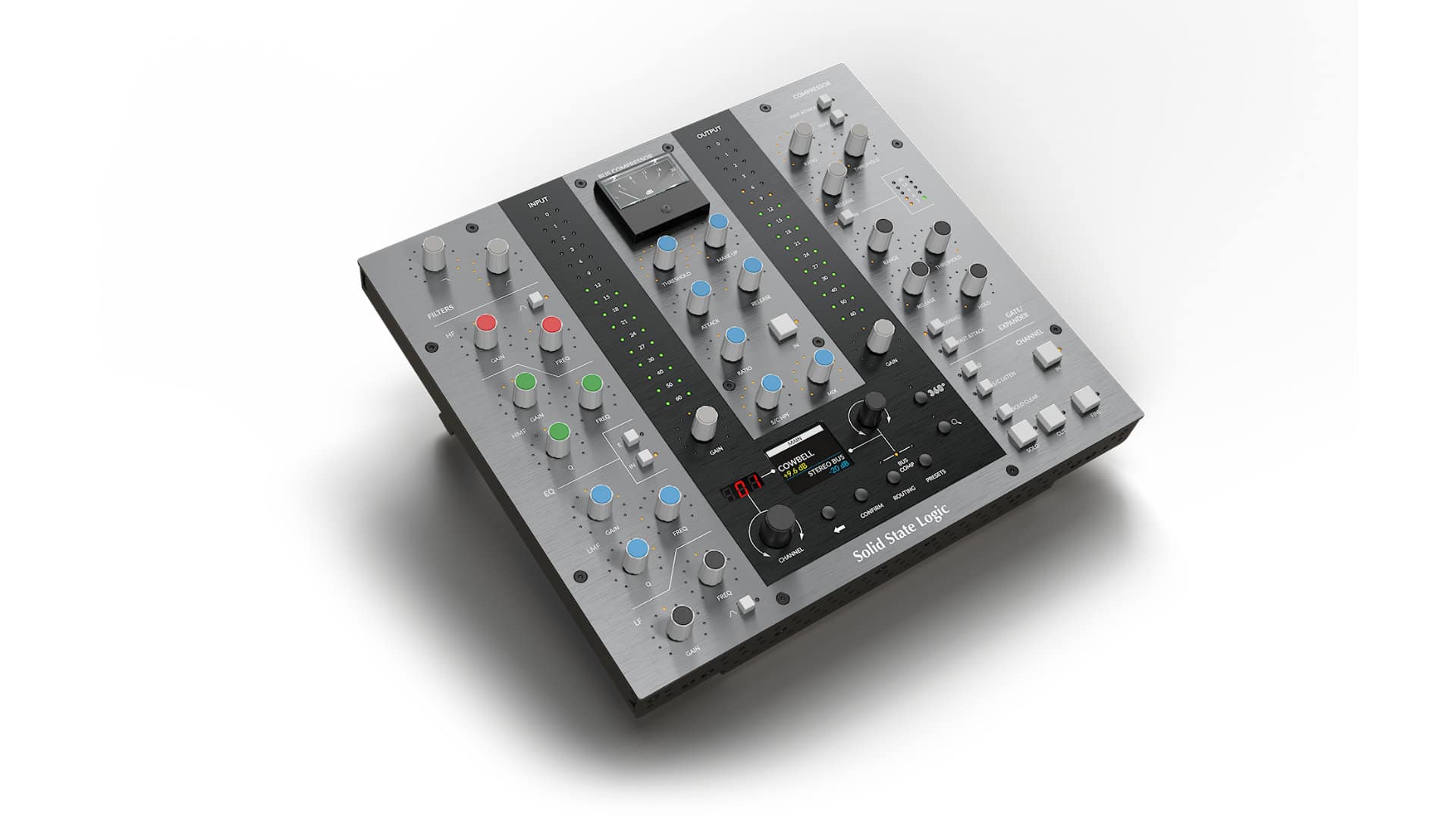
SSL DAW Controller for SSL Software.
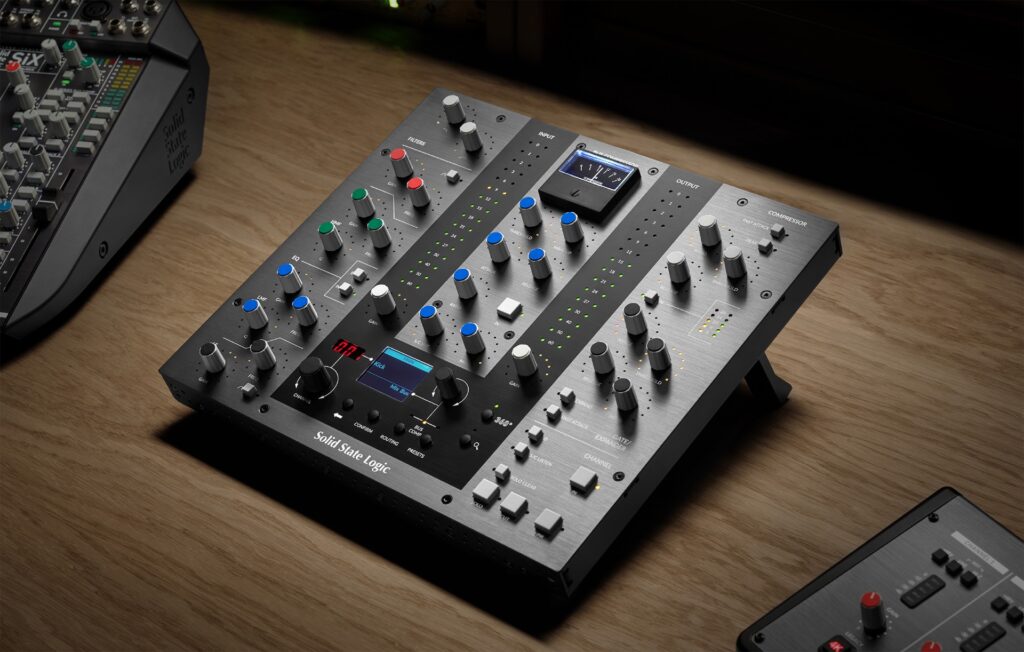
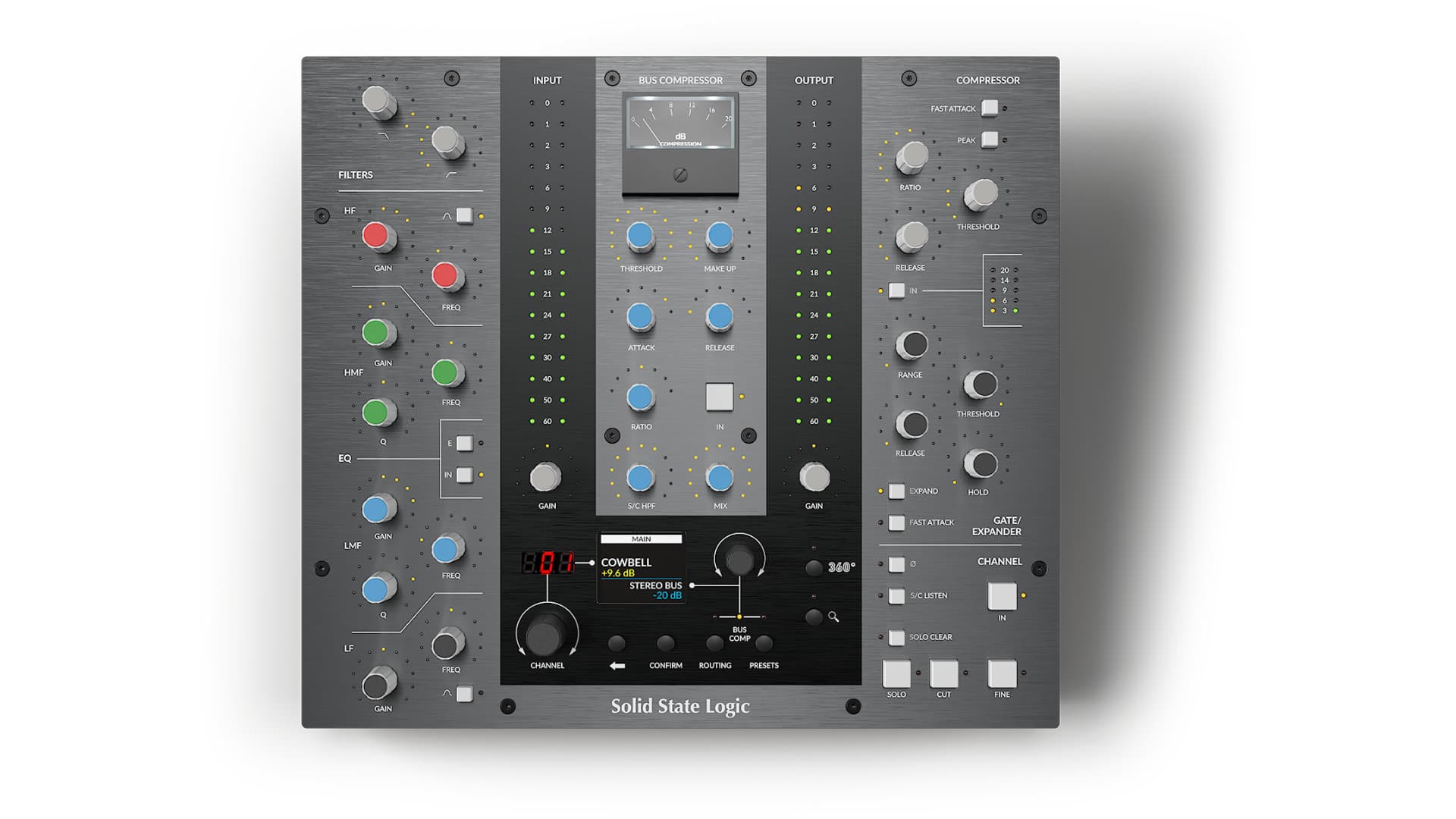
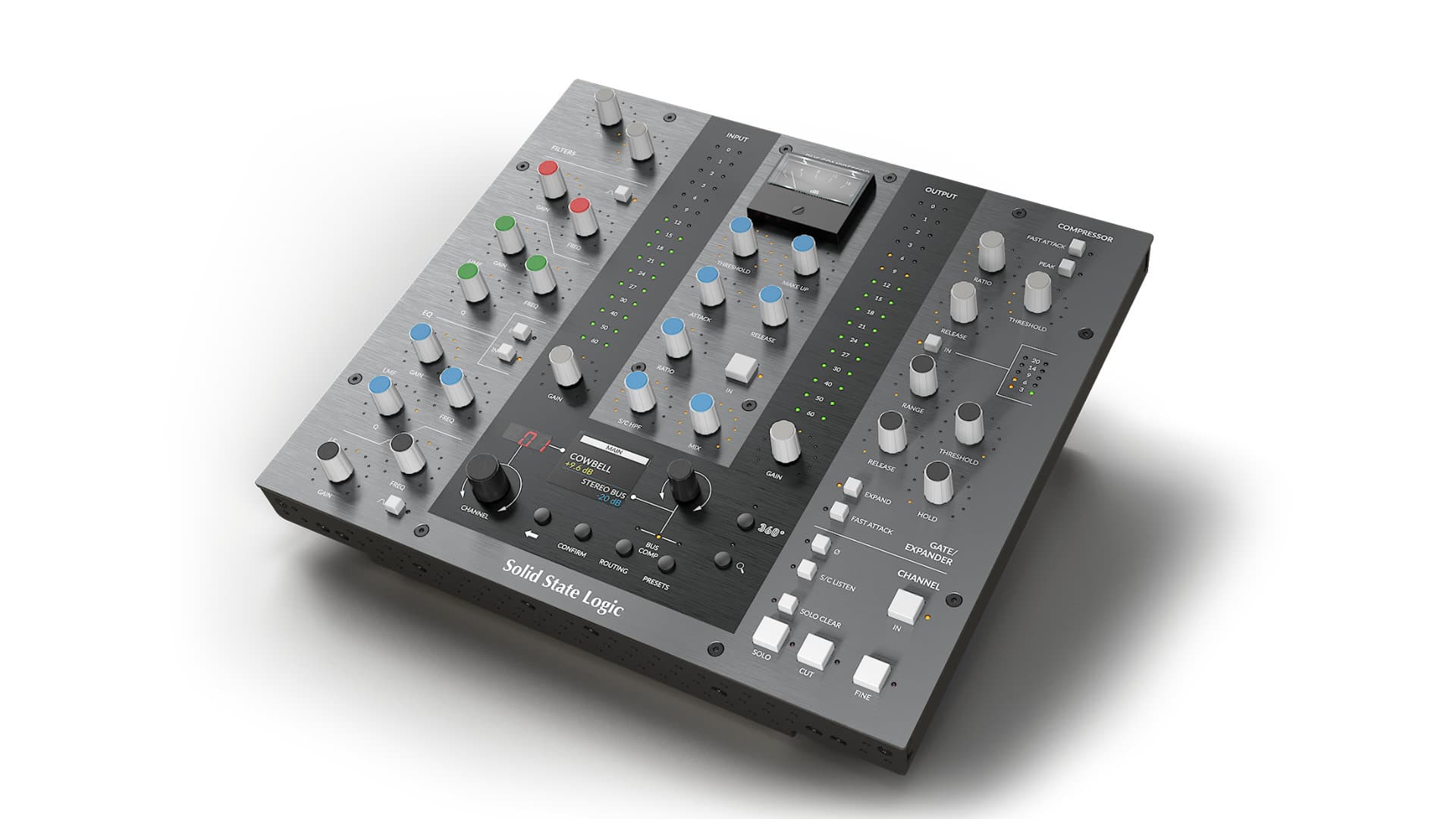
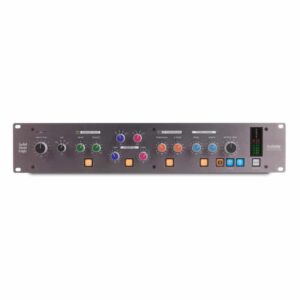
The UC1 is a unique plug-in controller. Dedicated knobs for Channel EQ and Dynamics functions, central section with full control Bus Compressor and an authentic , analog gain reduction meter create the most creative, intuitive and effective way to control your new plug-ins: SSL Native Channel Strip 2 and Bus Compressor 2 in your DAW session.
SSL's music production tools are the benchmark for ergonomics and studio style. In designing the UC1, they drew from decades of analog and digital console design. In doing so, Solid State Logic developed a smart and deeply integrated control surface for SSL plug-ins that allows you to focus on your production goals rather than on processing.
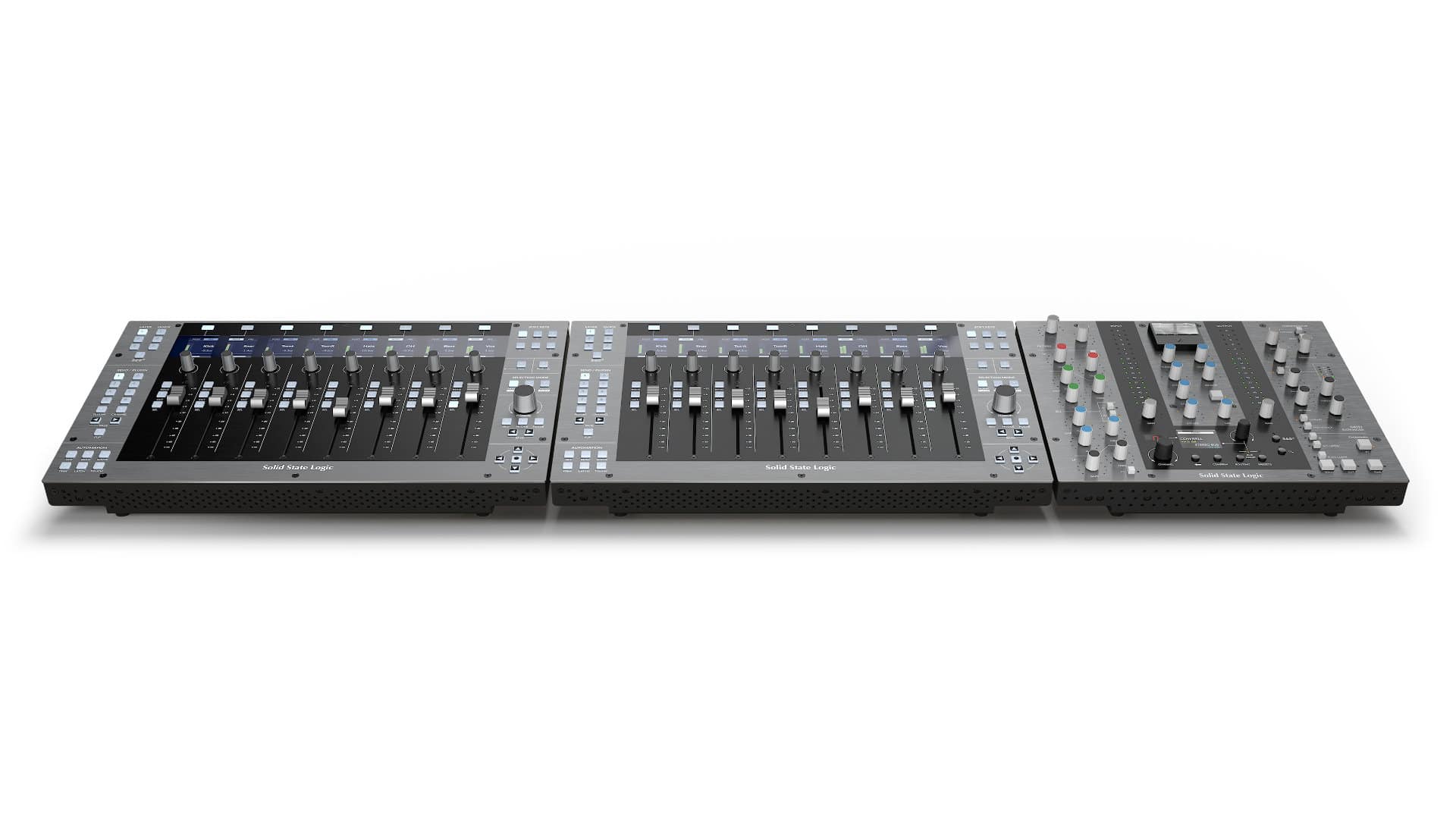
The UC1's layout of encoders, switches and color groups offers the professional ergonomics of SSL consoles, which is fully integrated with the most advanced Channel Strip and Bus Compressor plug-ins. Many parameters can be controlled simultaneously and precisely - it is production tool that supports muscle memory, provides unparalleled sound flexibility and inspires operator confidence. For even greater control over hybrid-style work, it is recommended to include a SS controller: UF8.
SSL Virtual Console
At the heart of every UC1 system is the SSL 360° plug-in mixer, a place to view and control all your channels and compressors in one place. The plug-in mixer offers a new and exciting way to interact, allowing you to take a true console approach to mixing right away.
SSL audio and workflow
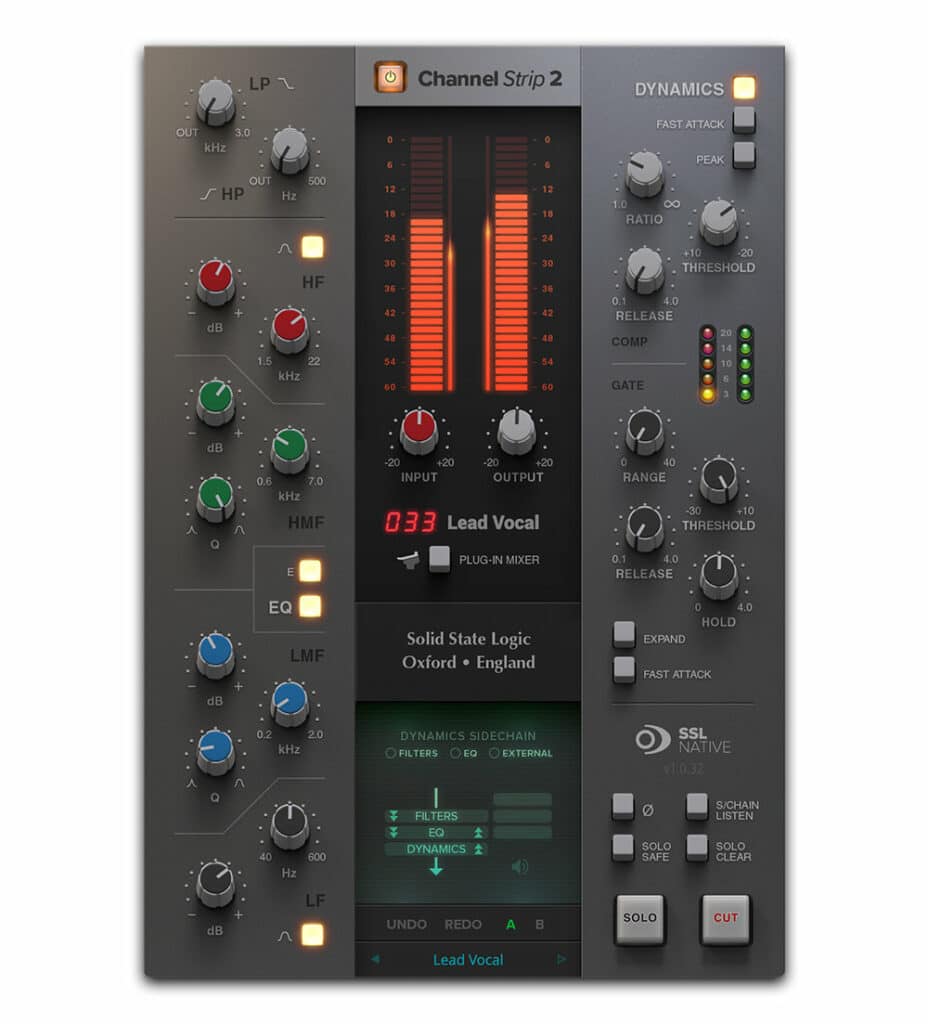
The UC1 provides dedicated control of all the key parameters of the Channel Strip 2 plug-in. EQ, Filters, Compressor and Gate/Expander provide the same configuration and visual feedback found in large-format SSL consoles, allowing you to quickly feel at home when working with the controller.
The controller is based on the digital modeling of the iconic XL 9000K console, SSL Native Channel Strip 2 provides everything you need to get modern SSL sound in your DAW program. SSL Native plug-ins are plug-ins designed by SSL's engineering team at its Oxford headquarters, with exclusive access to the original datasheets and specifications from which the consoles were built. Specifically for the UC1 controller, Channel Strip has been updated to include special proprietary SSL algorithms to prevent any form of phase and amplitude wrap. The result is simply the best sounding Channel Strip SSL ever - full of dynamics, free of distortion and ready for anything you throw at it.
Bus Compressor
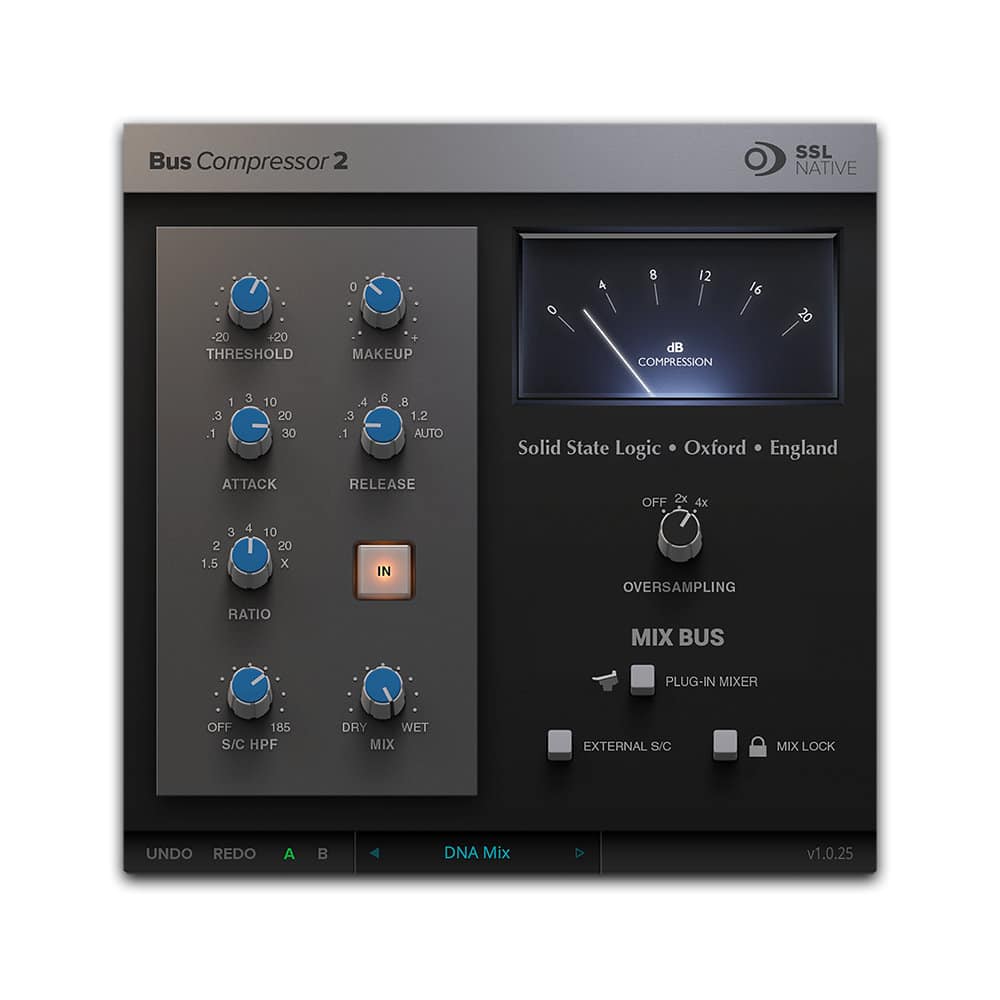
At the heart of the UC1 are the Bus Compressor controls, which communicate directly with the SSL Native Bus Compressor 2. The authentic layout and measurements give the impression that you're controlling a hardware BUS (bus) comp built into the middle section of an SSL console. The UC1 features the classic moving coil gain reduction meter found in SSL consoles since the 1970s, so producers and engineers know how the unit responds to instruments, subgroups and, of course, the Mix Bus.
Get into the production rhythm
Method work during a session changes depending on the task at hand. That's why care has been taken to ensure that UC1 offers tools, visual feedback and complete synchronization between hardware and software. Familiarize yourself with UC1's hardware, adjust parameters with the mouse on individual plug-ins, or dive into the plug-in mixer - without worrying about synchronizing changes across software and hardware.
Production speed, flawless processing control and creative freedom
Every detail of the UC1 has been implemented to give you control and information about how your mix responds to processing. Dedicated front-panel encoders, along with a built-in high-resolution display, allow you to quickly switch between Channel Strip 2 and Bus Compressor 2 instances directly from the surface. You can also load presets and reorder the Channel Strip process. All these information and controls mean that, unlike many other controllers, you don't have to look at your DAW while working with UC1.
SSL 360° application and plug-in mixer
SSL 360° is the command center and brain of UC1. It is a multi-platform application for Mac and Windows. Installation is quick and easy. Once SSL 360° is installed, you can access the following. Plug-in Mixer, a place where you can view and control all Channel Strip and Bus Compressor instances from one place. You can find SSL 360° applications on Download - Simply select „SSL UC1” from the drop down list.
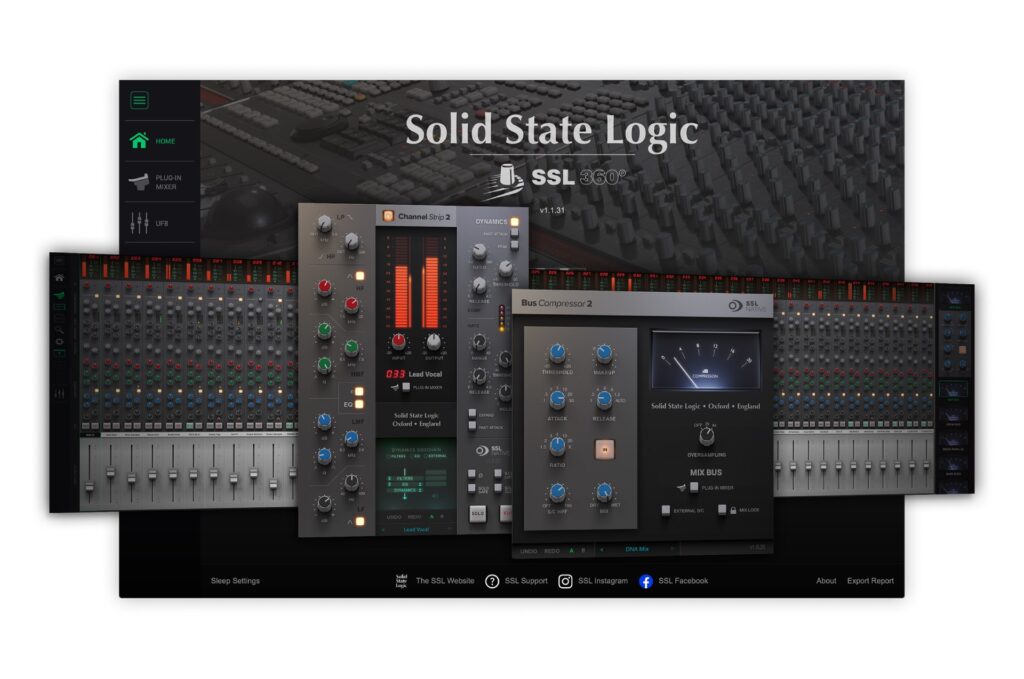
SSL Native Channel Strip 2 and Bus Compressor 2 plug-ins.
Full licenses for the SSL Native Channel Strip 2 and Bus Compressor 2 plug-ins are included with the UC1.
Channel Strip 2 functions on the digital EQ and dynamics model from the legendary XL 9000 K SuperAnalogue console.
Bus Compressor 2 adds a number of user-suggested improvements, with additional Ratio, Attack and Release options, external sidechain capability, and x2 and x4 oversampling.
Do you own the SSL Native Channel Strip Bus Compressor Plug-in?
SSL Native Channel Strip 2 and Bus Compressor 2 plugins are a free upgrade for existing SSL Native Channel Strip and Bus Compressor owners. Your existing licenses will automatically work with the new plugins. Go to downloads, to download new plugins.
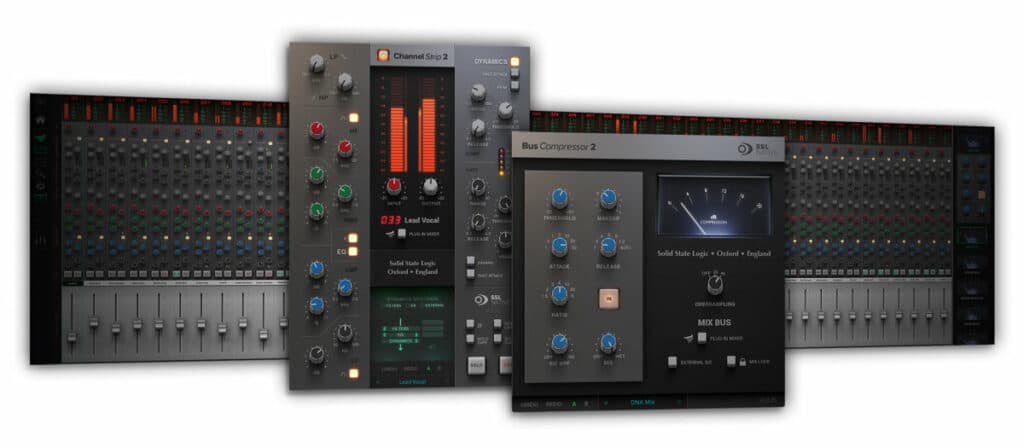
Controller for plug-in SSL - UC1
Integration with DAWs
Pro Tools®, Logic Pro®, Cubase™ / Nuendo™, Ableton® Live™, Studio One® and REAPER® DAWs are officially supported by the UC1 and The Plug-in Mixer . Other DAW programs at the moment are not validated in the UC1 / Plug-in Mixer system, but Channel Strip 2 and Bus Compressor 2 Works as a 'standalone' with any AU / VST / VST3 DAW.
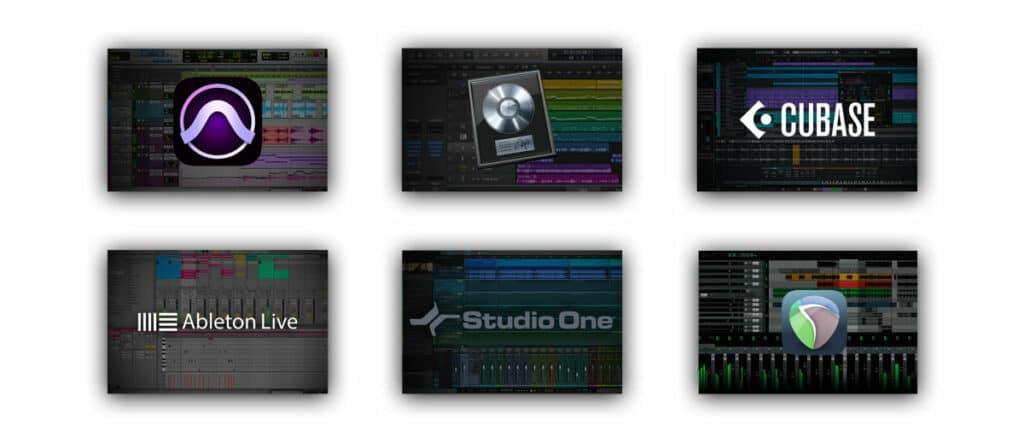
The order of plug-ins in Plug-In Mixer follows the settings from the DAW session
The way Channel Strip plug-ins are arranged in the plug-in mixer depends on the DAW and, in some cases, on the DAW version being used.
The order of plug-in mixers automatically follows the DAW session .
Logic 10.6.1 and later (AU)
Cubase/ Nuendo (VST3)
Live (VST3)
Studio One (VST3)
Reaper (VST3)
VST 2 plugins do not support automatic sorting, use VST3. Do not use VST3 and VST 2 Channel Strip plug-ins in one session.
You can manually change the order of plug-in positions after inserting them by clicking and dragging the track name in the plug-in mixer.
- SSL's legendary workflow and console ergonomics combined with the power of SSL's Native Channel Strip 2 and Bus Compressor 2 plug-ins
- Each UC1 includes licenses for SSL Native Channel Strip 2 and Bus Compressor 2 plug-ins
- Knob control by function of SSL Native Channel Strip 2 and Bus Compressor 2 2 plug-ins
- Authentic Bus Compressor gain reduction meter with moving coil, digitally controlled from SSL Native Bus Compressor plug-ins
- SSL Plough-In Mixer SSL (hosted on SSL 360°) provides a place to view and control your channels and bus compressors, all from one screen
- Continuous visual feedback via smart LED rings
- The display tells you which plug Channel Strip 2 and Bus Compressor 2 are on
- UC1 display shows the value reading of the control currently in use
- Changing plug-in Presets accessible directly from the UC1 surface
- Ability to switch between 3 different DAW programs connected to the Plug-in Mixer
- High-quality metal housing with brushed anodized top plate
- Connection to a computer via Hi-Speed USB
- Supported by SSL 360 ° Mac and PC software
System requirements:
To use SSL UC1, SSL 360° software must be installed on a Mac or Windows computer. SSL 360° software is available at downloads.
SSL 360°, SSL Native Channel Strip 2 and Bus Compressor operating system requirements
Mac - 10.14 (Mojave), 10.15 (Catalina), 11 Big Sur (Intel), 11 Big Sur (M1*)
*The M1 service is currently only available for Rosetta mode.
PC - Windows 10 (64-bit)
SSL Native Channel Strip 2 and Bus Compressor 2 plug-ins.
64-bit hosts
AAX Native, AU, VST3 and VST plug-ins.
Software licensing requirements
SSL user account - to apply for plug-in licenses
iLok account - to authorize plug-in licenses
Screen resolution requirements
1280 × 960
Non-Retina displays on MacBook computers are not supported
Computer hardware requirements
Third-generation Intel Core i5 processor (or comparable AMD processor) running at 2.4 GHz or higher
8 GB of RAM or more is recommended.
Internet connection for software updates from the SSL 360° application
 Polski
  English
  Slovenčina
  Čeština